Short answer
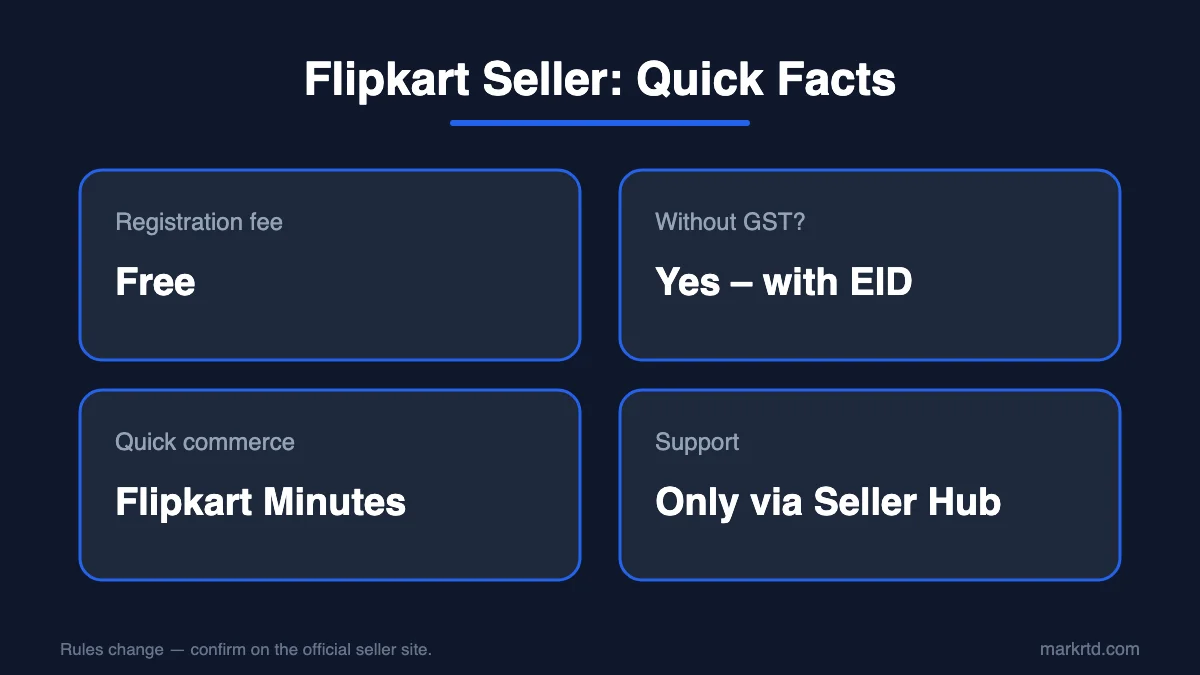
To start selling on Flipkart, sign up on Flipkart Seller Hub with your mobile number, add a GSTIN or an Enrolment ID (EID), your pickup address and bank details, then list your products. Registration is free. With an EID you can sell only within your own state, and for help you should use only the support options inside Seller Hub.
Flipkart is one of India's biggest online marketplaces, with crores of customers across almost every pin code. Becoming a Flipkart seller lets your products reach this huge audience without opening a physical store. This guide explains how to sell on Flipkart for beginners, how to sell without GST, what Flipkart Minutes is, how Flipkart reselling works, and the safe way to reach Flipkart seller support.
Why Become a Flipkart Seller?
- Massive reach: Millions of daily shoppers, plus big sale events like The Big Billion Days.
- Delivery support: Flipkart's logistics network picks up and delivers your orders.
- Regular payments: Settlements go directly to your bank account.
- Seller tools: Pricing insights, ads and growth reports inside Flipkart Seller Hub.
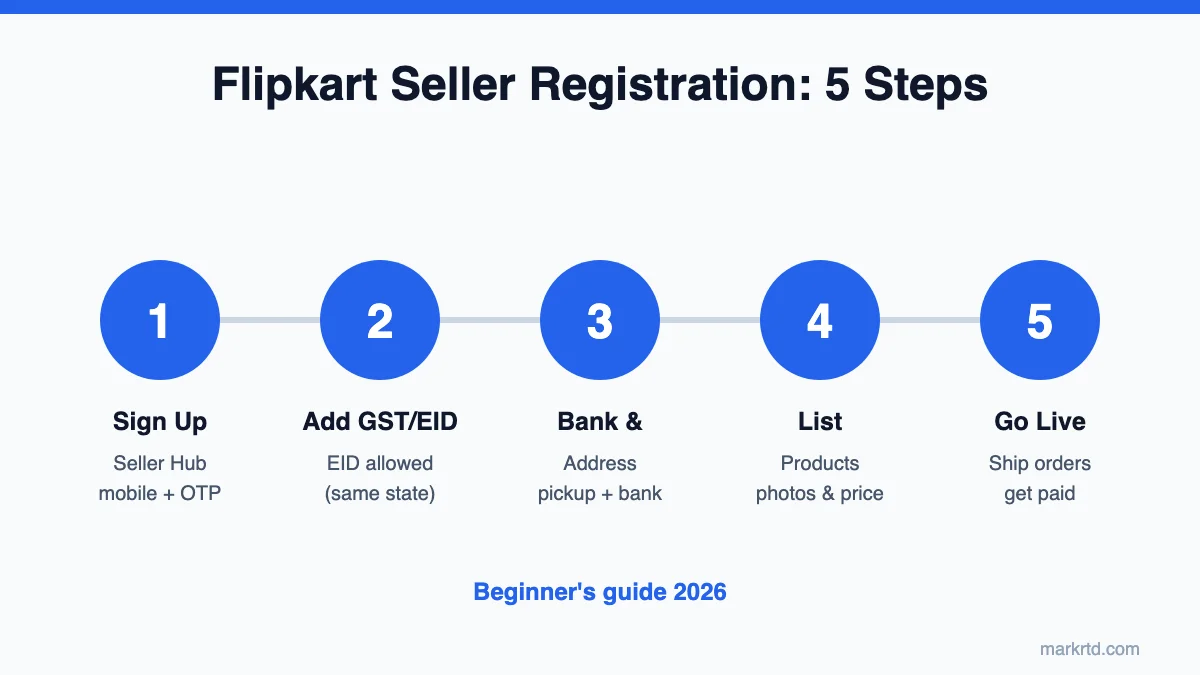
How to Sell on Flipkart for Beginners: Registration Steps
- Go to Flipkart Seller Hub (seller.flipkart.com) and click Start Selling.
- Enter your mobile number and email, and verify with OTP.
- Add your GSTIN or Enrolment ID (EID).
- Enter your pickup address and bank account details.
- Add store name and signature, list products and go live.
Documents needed: PAN card, bank account with cancelled cheque, GSTIN or EID, and an active mobile number and email.
How to Sell Products on Flipkart Without GST
Just like Meesho, Flipkart lets small sellers register with an Enrolment ID (EID) from the GST portal instead of a GSTIN. With an EID:
- You can sell only within your own state (intra-state).
- Your turnover must stay below the GST registration limit.
Books are GST-exempt, so book sellers have often been allowed to register with PAN only — check the current rule on Seller Hub before you apply.
Flipkart Sell Products: What to Sell?
Popular categories for new sellers are fashion, home and kitchen, mobile accessories, beauty, toys and books. Some categories need approval or brand authorisation. Start with products that are light, hard to break and have steady demand — they are cheaper to ship and get fewer returns.
Sell on Flipkart Minutes
Flipkart Minutes is Flipkart's quick-commerce service that delivers groceries and daily essentials within minutes in selected cities. Products are stored in nearby dark stores, so this model suits brands and distributors with steady stock.
Flipkart Minutes seller registration usually needs GST registration, regular supply, and licences like FSSAI for food items. Check Seller Hub or contact Flipkart's category team to see if your category is open.
Flipkart Reselling
Flipkart reselling is mainly done through Shopsy, Flipkart's value shopping app. Sellers on Flipkart can also have their products shown on Shopsy, which helps you reach budget buyers in smaller towns.
Flipkart Seller Support Phone Number 24x7 & Contact
Many people search for a "Flipkart seller support phone number 24x7" or "Flipkart Seller Support number India". The safest ways to get help are:
- Seller Hub → Help & Support: raise a ticket or request a callback.
- Seller Learning Centre: free guides and videos.
- Official number inside your dashboard: always use the one shown there.
Warning: Fake support numbers are common on Google and social media. Flipkart never asks for your OTP or password, and you do not need to pay any agent for registration.
Pack Orders the Right Way
Damaged parcels mean returns and lower ratings. Use tamper-proof courier bags for clothing, strong corrugated boxes for fragile items, and shipping labels for faster dispatch.
Tips for New Flipkart Sellers
- Use high-quality images with a white background.
- Add keyword-rich titles and complete product details.
- Keep prices competitive after fees and shipping.
- Dispatch on time to protect your seller rating.
- Join sale events to boost early orders.
Conclusion
Selling on Flipkart is simple once your documents are ready. Register on Seller Hub, start with a few strong products, and grow with sale events. Need packaging material for your Flipkart orders? Shop courier bags, boxes and labels at MarkRTD.
Disclaimer: Flipkart's policies and fees change often. Always confirm the latest rules on Flipkart Seller Hub.
Shop the packaging in this guide
Free seller tools for this
Frequently asked questions
Is Flipkart seller registration free?
Yes. Creating a Flipkart seller account is free; fees are charged only when you make a sale.
Can I sell on Flipkart without GST?
Yes, with an Enrolment ID (EID), but only within your own state.
How many products do I need to start?
You can start with even one product, but a few related listings help you get orders faster.
What is the official Flipkart seller support number?
Use the number shown inside Flipkart Seller Hub; never trust numbers from unknown websites.
Read next
- Flipkart Packaging Material: What Sellers Need and How to Buy ItFlipkart packaging material explained for sellers: branded security polybags, sizes, tape, boxes and labels, how to order and how to avoid fake or wrong packaging.
- What Is “Mark RTD” in Flipkart? Ready to Dispatch ExplainedMark RTD in Flipkart means marking an order Ready to Dispatch. When to do it, the steps before it, the dispatch-by deadline and how to avoid RTD breaches.
- How to Sell on Meesho Without GST: Complete Seller Registration Guide (2026)Learn Meesho seller registration, Meesho Supplier Hub, supplier panel login, how to sell on Meesho without GST, best products to sell and the Meesho label crop trick.